
Server and hosting migration without downtime
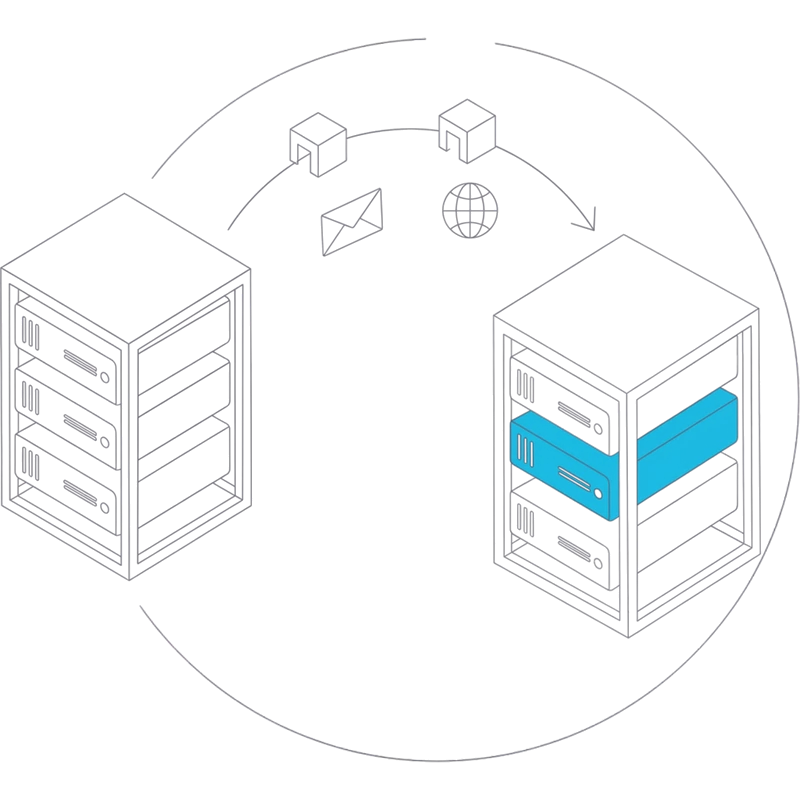
We move live websites, stores, databases, background services and mail to a new server or hosting provider. The new server runs in parallel until every site passes its checks, and the switch itself is a DNS change that can be rolled back.
When a migration lands on your desk
Nobody moves servers for fun. Usually the date is set by someone else and the server holds more than anyone remembers.
- Your host is ending the plan, and the server has mail, five sites and a cron job nobody documented
- The hosting bill went up again, and moving feels riskier than paying
- The operating system or control panel stopped getting updates, and the person who set it up has left
- You want to merge several old servers into one, or move to cheaper ARM servers
- Mail for your domains lives on the same machine, and nobody knows which DNS records it depends on
- A previous migration attempt ended with broken images, lost orders or bounced email
What we move
Inventory first
Before anything is copied we list what actually runs: sites, databases, cron jobs, background processes, mailboxes and forwards, FTP accounts, certificates and DNS records. The list usually turns up a few things the owner did not know about.
Web stack and databases
nginx and Apache, several PHP versions side by side, MySQL and PostgreSQL, and control panels such as aaPanel and FastPanel. Sites move with their settings, users and file permissions, not only their files.
Node, Docker and services
Node.js applications under PM2 or systemd, Docker containers and the processes that run in the background. Dependencies are rebuilt on the new machine, which matters when the processor architecture changes.
Mailboxes with their passwords and history, aliases and forwards, spam filtering and DKIM, SPF and DMARC. Where a provider blocks outgoing port 25, outbound mail goes through a relay so nothing bounces.
DNS and Cloudflare
Zones are rebuilt from the records in the registrar or Cloudflare panel, not guessed from lookups. TTL is lowered in advance, and name servers are changed at the registrar only when the new zone is complete.
Backups and monitoring
The new server gets backups to separate storage with a retention policy and a test restore, plus monitoring of uptime, certificates and disk space. A server without them is only half moved.
A move planned so the switch is the boring part
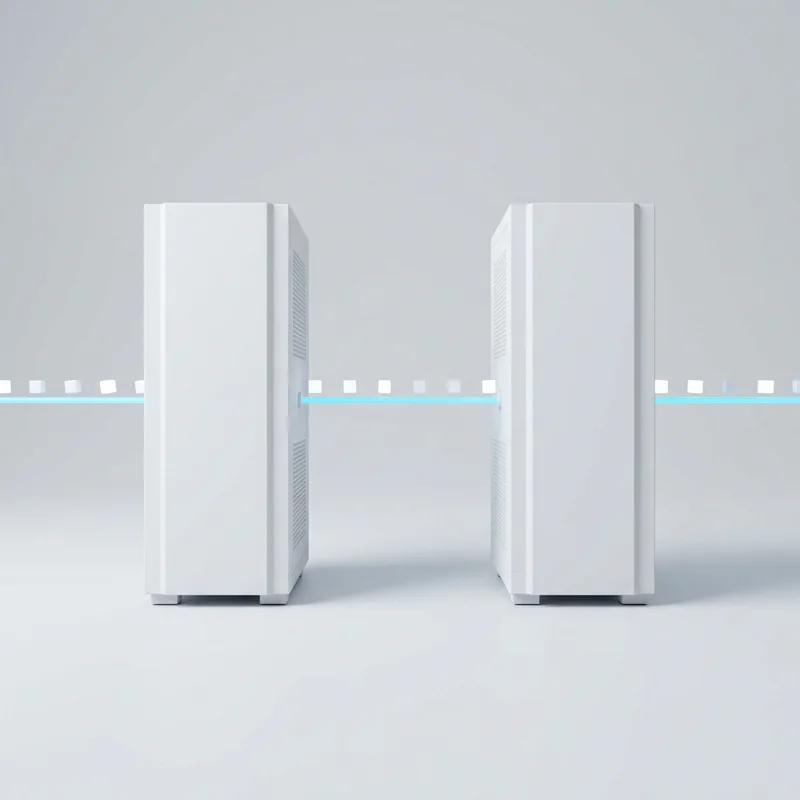
Each site first runs on the new server under a temporary address. We open its pages, submit its forms, place a test order where there is a checkout, send and receive mail and wait for the cron jobs to run. Right before the switch the data is synced once more, so orders and comments made since the first copy are not lost. Then DNS moves zone by zone. The old server stays untouched until the new one has run for a while, so rolling back is one record change.
- A written inventory of everything that runs on the old server
- Every site checked on the new server before any DNS change
- A final data sync right before the switch
- The old server kept as a fallback until you confirm
The problems we have already met
We have moved ten projects and twenty-three sites between servers, including a full move from x86 to ARM64 machines, and wrote down every problem along the way. On ARM, Node dependencies have to be reinstalled rather than copied, and PHP can crash under certain JIT settings. MySQL can start treating table names as case sensitive and break queries that worked for years. A newer or older nginx rejects parts of the old configuration, and databases move with the wrong collation. A Cloudflare zone can hang in activation, the spam filter may not sign mail until it is restarted in the right order, and a firewall rule can ban a whole office that shares one IP address. Panel migration tools can report success on an incomplete copy, and certificates can silently stop renewing. Each of these now takes minutes to check instead of hours to discover.
- A checklist built from real migrations, not from documentation
- Architecture changes such as x86 to ARM64 handled deliberately
- Version differences in PHP, MySQL and nginx checked before the switch
- Mail, certificates and firewall rules tested, not assumed
After the move: support instead of a handover folder
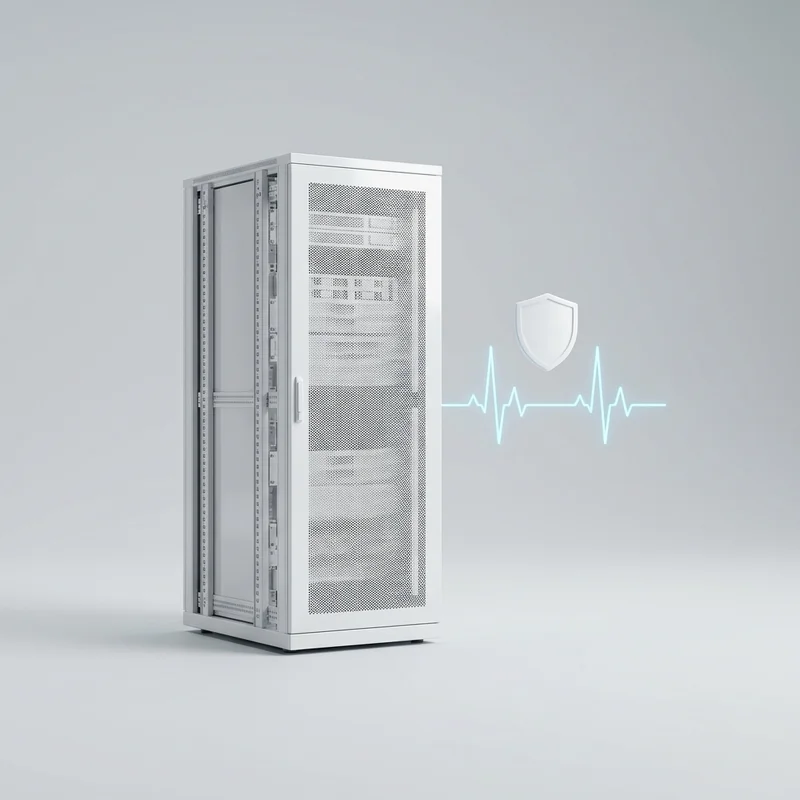
A migration is the moment when one team finally knows the whole server: what runs there, why, and what depends on what. It is a waste to lose that knowledge the day after the switch. Most of our migration clients stay on monthly server support, where the same people apply updates, watch the backups and monitoring, renew certificates and handle the next change. If you prefer to run the server yourself, you get documentation of the new setup and access to everything.
- Documentation of the new server: services, paths, schedules, access
- Backups and monitoring running from the first day
- An option to continue with monthly server support
- All accounts and keys in your name
How a migration goes
Inventory
We get read access to the old server, the domains and DNS. You get a list of what runs there and what the move involves.
Plan and new server
We agree the target host and server size, then set up the new machine with the same or newer software versions. You get a switch plan per site and per domain.
Copy and test
Sites, databases, services and mail are copied and checked under temporary addresses. Problems are fixed while the old server still serves everyone.
Switch
After a final data sync, DNS moves zone by zone at a time you choose. We watch traffic, logs and mail as it happens.
Watch and decide
The new server runs under observation while the old one waits as a fallback. Then the old server is shut down, and you choose between monthly support and a documented handover.
What we move and move to
Panels and web servers
- aaPanel
- FastPanel
- nginx
- Apache
- PHP-FPM 7.4 to 8.4
- Let's Encrypt
Databases and apps
- MySQL 5.7 and 8.0
- PostgreSQL
- Node.js with PM2 or systemd
- Docker
- Traefik
Mail and DNS
- Postfix
- Dovecot
- Exim
- Rspamd
- DKIM, SPF, DMARC
- Cloudflare
Infrastructure
- Hetzner x86 and ARM64
- Hetzner Storage Box
- rsync
- Linux
Ways to work with us
Migration project
A fixed scope agreed after the inventory: which sites, services and domains move, and to where.
Migration and monthly support
We move the server and then keep looking after it: updates, backups, monitoring and the next changes.
Hourly help
An inventory and migration plan for your own team, or help with a single tricky part such as mail or DNS.
See also: Server support · DevOps · Support and maintenance
Reviews
We treat each client and his project with love.

Revol team continues to streamline the client’s development capabilities through their high-quality work and reliable support. They communicate effectively and exhibit a strong understanding of the client’s needs and business.
Tomas


The work from Revol, have fully met expectations and satisfied the client. Their fresh approach and ability to remain available for support have been valuable assets. Customers can bring them on for a communicative, client-oriented team to achieve their goals with.
Andrey
Frequently asked questions
Will our sites go down during the move?
They should not. The new server runs in parallel and takes traffic only after every site has been checked on it. While DNS updates, some visitors still reach the old server for a short time, which is why it stays switched on until the change has spread.
What happens to orders and form submissions made during the switch?
We sync the data once more right before switching, so only a short window remains. For busy stores we agree how to close it: switch at a quiet hour, pause checkout for a few minutes, or merge the last orders from the old database by hand.
Can you move our email as well?
Yes. Mailboxes move with their messages and passwords where the old system allows it, together with aliases and forwards. We rebuild DKIM, SPF and DMARC for the new server and check that outgoing mail is delivered, not only sent.
We are on x86 servers. Can we move to ARM64?
Usually yes, and ARM servers are often cheaper for the same load. Most PHP, WordPress, Node and database workloads run on ARM once their dependencies are rebuilt. The inventory shows early if something only exists for x86, such as an old Docker image or a closed-source binary, and then we keep that part on x86.
Do you need access to our domain registrar?
Read access to DNS is enough for planning. For the switch we need to edit records or change name servers, which you can do yourself on our instructions or give us access for that day.
What if something breaks after the switch?
The old server is still there, so the quickest fix is pointing DNS back while we find the cause. We keep an eye on logs, mail queues and monitoring during the first days after each switch, when problems that did not show in testing tend to appear.
Can we leave our control panel behind?
Yes. We can move sites from one panel to another, or to a plain server without a panel, managed through configuration files and scripts. We recommend what fits the people who will look after the server later.
Do you look after the server after the migration?
If you want. Most migration clients continue with monthly server support, where the same team handles updates, backups, monitoring and further changes. Otherwise you get documentation and full access, and the server is yours to run.
Tell us about your project
Describe the task in a few lines. Within one working day we reply with questions or a first view on scope and cost.
Prefer email or a call?
welcome@revolsource.com
+38 097 662 23 20
Revol Software OÜ, Tallinn, Estonia. Our team is distributed around the world.
Join our team
Send your CV to career@revolsource.com