



n8n automation services
You want n8n to take the copying, sorting and reminding off your team, and you want it to keep working after the person who built it moves on. We run our own self-hosted n8n with more than 30 production workflows, so we know what breaks and what the server needs. We build the workflows your business needs on n8n Cloud or self-hosted on your server and give each one an error path, so a failed run reaches a person instead of vanishing.
When this fits
n8n suits companies that want more control than Zapier or Make give them: their own server, code where it helps, AI steps inside the flow. These are the requests we get.
- Leads from the website form arrive by email, and someone types them into the CRM
- You want AI to read incoming requests and sort them before a manager looks
- Customer data should stay on your own infrastructure, and you are weighing self-hosted n8n
- Your team built n8n workflows themselves, and now nobody knows which ones still run
- A workflow failed last week, and you found out from a customer
- Managers want a daily summary in Telegram or Slack instead of opening three dashboards
Automations we build on n8n
Leads into your CRM
Website forms, email and ad leads go into HubSpot or another CRM with duplicates checked, a manager assigned and a first reply sent.
AI qualification in JSON
A language model reads the request and returns fixed fields such as need, urgency and priority. n8n checks the JSON against a schema before anything reaches the CRM.
Data sync between systems
Contacts, orders, stock or statuses kept in step between your CRM, store, spreadsheets and accounting, with a key on every record so a repeated event updates instead of duplicating.
Reports and notifications
Daily and weekly summaries, new-order alerts and reminders sent to Telegram, Slack or email, with links straight to the record.
Documents and email with AI
Invoices, contracts and incoming mail read by a language model: fields pulled out, messages sorted, reply drafts prepared for a person to check.
Error workflow
A separate error workflow catches every failed run and messages the process owner in Telegram or by email, with the workflow, the step and the error.
n8n Cloud or self-hosted
We run our own n8n self-hosted: in Docker, with PostgreSQL as the database, an encryption key for stored credentials and a daily check for new versions. n8n Cloud is the quicker start: n8n runs and updates the instance, and you pay them for executions. Self-hosting keeps n8n and its data on your infrastructure, which matters when personal or financial data cannot leave it. It also makes someone responsible for the server: backups that include the encryption key, and updates tested on a copy before the live instance. We can set all of this up and look after it, or hand it to your team. For heavy loads n8n offers a queue mode with separate workers. We help you choose after looking at your data, the volume and who will look after the instance.
- A recommendation on cloud or self-hosted, with the reasons
- Self-hosted setup on your server: Docker, PostgreSQL and HTTPS
- Backups that include the encryption key, or credentials cannot be restored
- Updates tested on a copy before the live instance
- Users, roles and credentials set up for your team
What runs on our n8n today
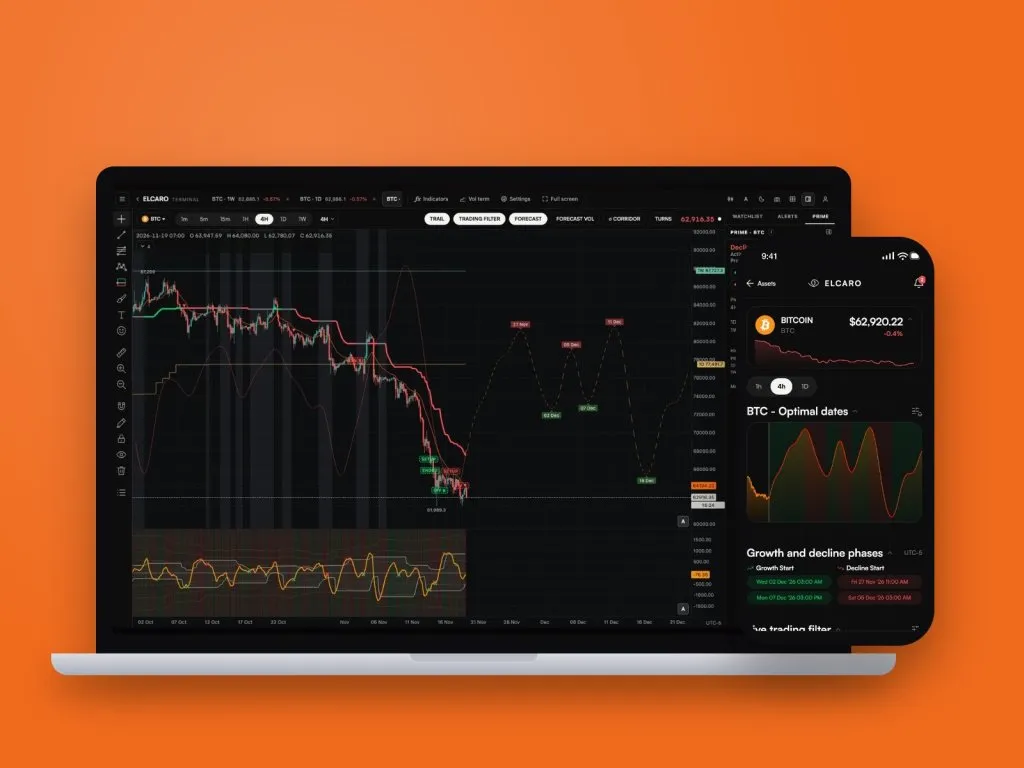
Our own instance carries real work for a client product, for other projects and for our own sales. For ELCARO, a market forecasting service, 20 workflows run an AI agent, manage the chart parser, write data to Supabase, find assets and answer users in Telegram, forward invoices and restore schedules after a failure. The forecasts come from ELCARO’s algorithm, and AI only explains them. For a content platform, five workflows handle incoming support requests with an AI assistant, website enquiries, error reports and hourly IndexNow pings to search engines. An astrology app runs its Telegram chat agent on a language model through four workflows. Our own sales use it for follow-up emails from Gmail, and one shared error workflow catches failures from all of these.
- ELCARO: 20 production workflows, from the AI agent to invoice forwarding
- A content platform: support inbox with an AI assistant, enquiries, errors, IndexNow
- An astrology app: a Telegram chat agent on a language model
- Our own sales: follow-up emails from Gmail
- One shared error workflow for all of them
A list of typical automations
Most n8n projects start from a short list. You pick the processes that cost your team the most time, and we build them one by one, each with its own trigger, error path and owner. AI steps go where a person used to read and decide: sorting a request, pulling fields from a document, drafting a reply. Every AI step returns structured JSON, and n8n checks it before writing anywhere, so a confused model sends a record to review instead of putting nonsense into your CRM.
- Website form to HubSpot or another CRM, with deduplication and an owner
- Incoming requests qualified by AI and routed to the right manager
- Orders and contacts synced between store, CRM and spreadsheets
- Daily reports and alerts in Telegram, Slack or email
- Invoices and emails parsed by a language model, with a human check
- Follow-up reminders for deals and unpaid invoices
Nothing gets lost when a run fails
Every workflow fails sometimes: an API times out, a token expires, a form sends a field nobody expected. We give each workflow an error path. Temporary errors are retried, failed items go to a review list, and the error workflow sends the process owner a message with the workflow, the step, the error and a link to the execution. When the cause is fixed, we replay the missed items. Support covers the boring part as well: updating credentials before they expire, adjusting nodes when a connected service changes its API, and cleaning out workflows nobody uses.
- An error workflow connected to every production workflow
- Retries for temporary errors, a review list for the rest
- Alerts to a named owner in Telegram, Slack or email
- Replay of missed items after a fix
How an n8n project goes
Introductory call
You tell us which processes eat your team’s time and which systems they touch. We suggest which ones to automate first.
Process list and design
For each workflow: the trigger, the systems, what an AI step returns, the error path and who gets the alerts. You approve it in writing.
Instance setup
An n8n Cloud workspace, or n8n installed on your server in the setup we agree after the recommendation, with users and credentials in place.
Build and test
We build the workflows and run them on real samples next to the manual process, including repeated events and failed calls.
Launch
We switch the process over, hand over the documentation and show your team how to read executions.
Support
Fixes, credential and API changes, a review of failed runs and new workflows from the list, under a monthly scope or by the hour.
What we work with
n8n
- n8n Cloud
- Self-hosted n8n in Docker
- PostgreSQL
In production on our n8n
- Supabase
- Telegram
- Gmail
- LLM APIs
We can connect
- HubSpot and other CRMs
- Google Sheets and Workspace
- Slack and email
- Webhooks and REST APIs
AI and code in workflows
- Structured JSON output from LLM steps
- Schema checks before writes
- JavaScript and Python in Code nodes
How we work together
Setup project
Instance setup and a set of workflows with an agreed design and result, fixed in writing before we start.
Workflow support
A monthly scope: fixes, credential and API changes, a review of failed runs and a volume of new or changed workflows.
Hourly
An audit of workflows your team built, a repair after an update or a single new automation, paid for the hours spent.
Not sure n8n is the right tool?
Some processes need custom code because of volume, logic or a missing connector, and some fit Make or Zapier better. The process automation page covers that choice and the reliability rules we apply on any tool. AI steps beyond n8n are on the AI integration page.
Related projects

ELCARO app
Forecast app for traders: one account and one subscription on the web, in Telegram and in the mobile apps.
Web · Telegram Mini App · Android · iOS

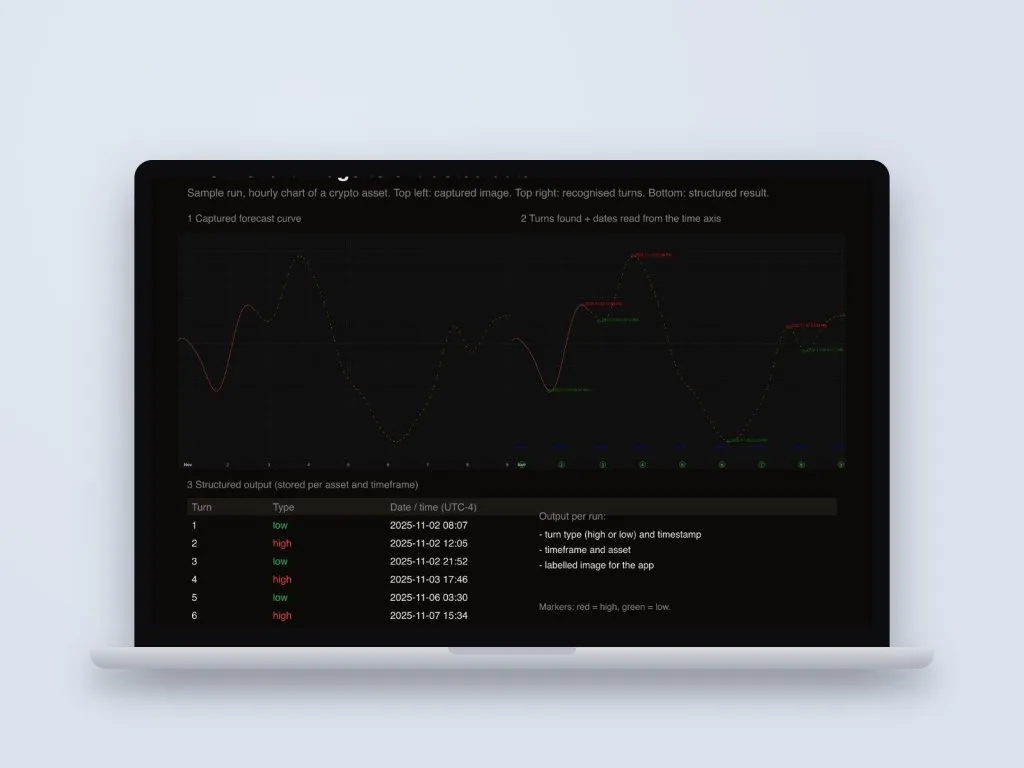
Chart-to-data parser
Turns a forecast that existed only as a picture into 8,000+ verified rows of data a day.
Backend

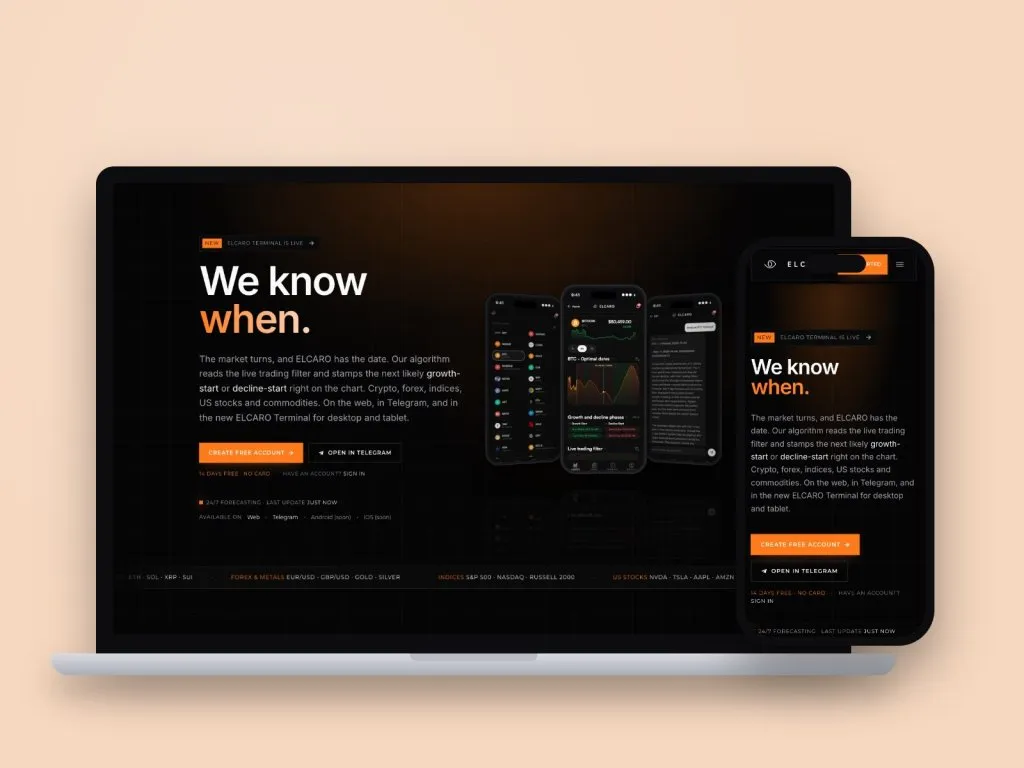
elcaro.app
Sales site that explains every ELCARO product and sells it without signing up in the app.

Web
See also: Process automation · AI integration · Business dashboards · Server support
Reviews
We treat each client and their project with care.
Revol team continues to streamline the client’s development capabilities through their high-quality work and reliable support. They communicate effectively and exhibit a strong understanding of the client’s needs and business.
Tomas
The work from Revol, have fully met expectations and satisfied the client. Their fresh approach and ability to remain available for support have been valuable assets. Customers can bring them on for a communicative, client-oriented team to achieve their goals with.
Andrey
Frequently asked questions
Why n8n and not Zapier or Make?
n8n can run on your own server, lets us write JavaScript or Python inside a workflow, and handles branching and AI steps well. Zapier and Make are quicker for a few standard connections. If your case fits them better, we will say so.
Should we use n8n Cloud or host it ourselves?
Cloud if you want a quick start and your data may sit on n8n's infrastructure. Self-hosted if data has to stay on your servers or you need full control, and then someone has to look after backups and updates. We set up self-hosted n8n on your server and can look after it.
Can you fix n8n workflows our team already built?
Yes. We go through each workflow, write down what it does, add an error path and deduplication, and remove what nobody uses. You get a list of what we changed and why.
How do you stop AI steps from writing nonsense into the CRM?
Each AI step returns JSON with fixed fields, and n8n checks it against a schema before writing. If a field is missing or out of range, the record goes to a review list for a person. The model suggests, and the workflow decides what is safe to write.
What happens when a workflow fails?
The error workflow logs the failure and messages the process owner in Telegram or by email, with the step, the error and a link to the execution. After the fix, we replay the items that were missed.
Who owns the workflows and credentials?
You do. The n8n account or server, the credentials and the workflows belong to your company. If your team takes over later, nothing depends on us.
Tell us about your project
Describe the task in a few lines. Within one working day we reply with questions or a first view on scope and cost.
Prefer email or a call?
welcome@revolsource.com
+38 097 662 23 20
Revol Software OÜ, Tallinn, Estonia. Our team is distributed around the world.
Join our team
Send your CV to career@revolsource.com